Grab any YouTube frame in one click.
Screenshots, thumbnails and GIFs, straight from the player. Free to use, with Pro from $1.25 a month.
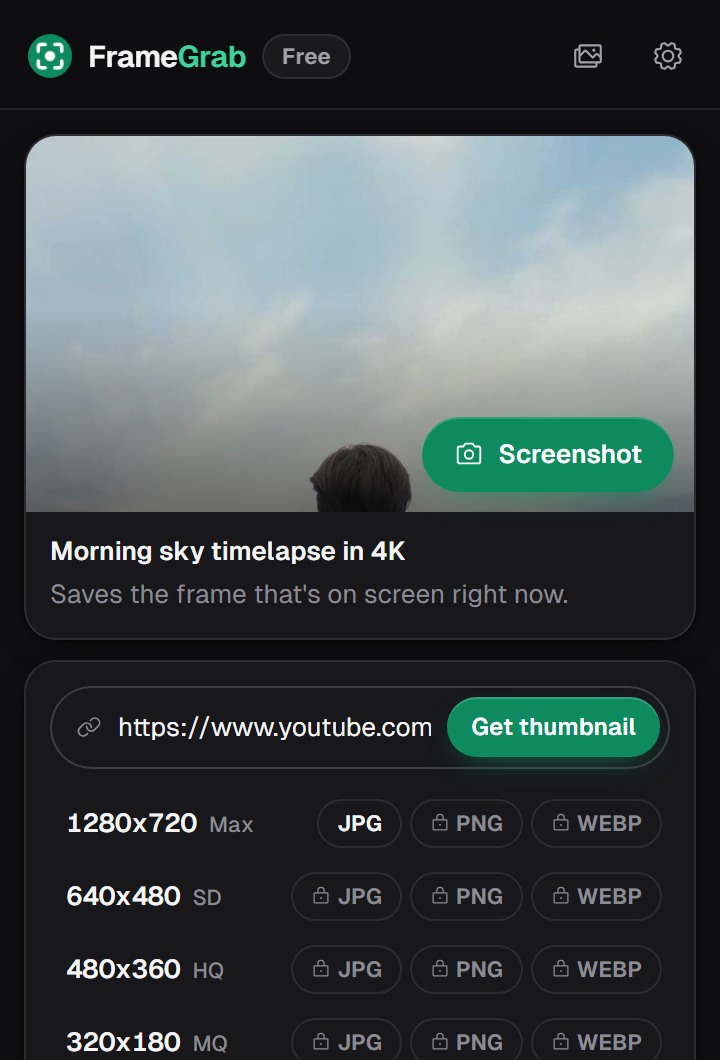
Screenshots, thumbnails and GIFs, straight from the player. Free to use, with Pro from $1.25 a month.
A camera button sits right in the player. Press S instead if you like. Save the frame as a file, copy it, or both.
A Thumbnail button under every video, plus a paste-a-link box in the popup. The largest size is free.
Go from 0.25x to 4x with the buttons in the player. Click the number to snap back to 1x.
Record up to 15 seconds as a looping GIF, or save 60 frames in one ZIP. Part of Pro.
Trim to 16:9, square or vertical, then stamp the timestamp or add a caption. Part of Pro.
No ads, no tracking. Captures stay on your computer.
$0
Forever
In the YouTube player, just left of the settings gear, next to the speed buttons. On Shorts it floats beside the video.
On regular YouTube videos and Shorts, yes. Some paid movies and protected content block captures, and FrameGrab will tell you when that happens.
No. Captures are saved to your computer and the gallery lives in your browser. The server only knows your email and whether you have Pro.
Open FrameGrab's settings and click Manage subscription. You keep Pro until the end of the period you paid for. Lifetime is a one-time payment with nothing to cancel.
Yes. Sign in with the same Google account on each one.